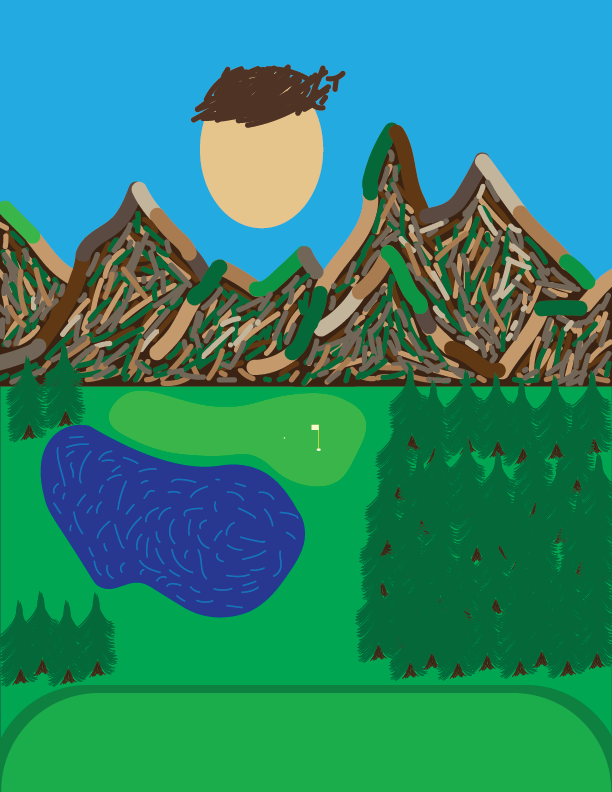
With joining the class the day of the sketches, I did not know to save the sketches I created, and ended up losing them. Therefore, I began with the first draft. While doing my first draft, I wanted to capture the vibrant colors as I remembered them, making sure to represent the intricacies of the mountains as well as the pond, fairway, green, and trees. At the very end of my work on this draft, I decided to add my floating head as a placeholder for future drafts, as I wanted to portray my current self looking back on the memory that I am representing in the scene.
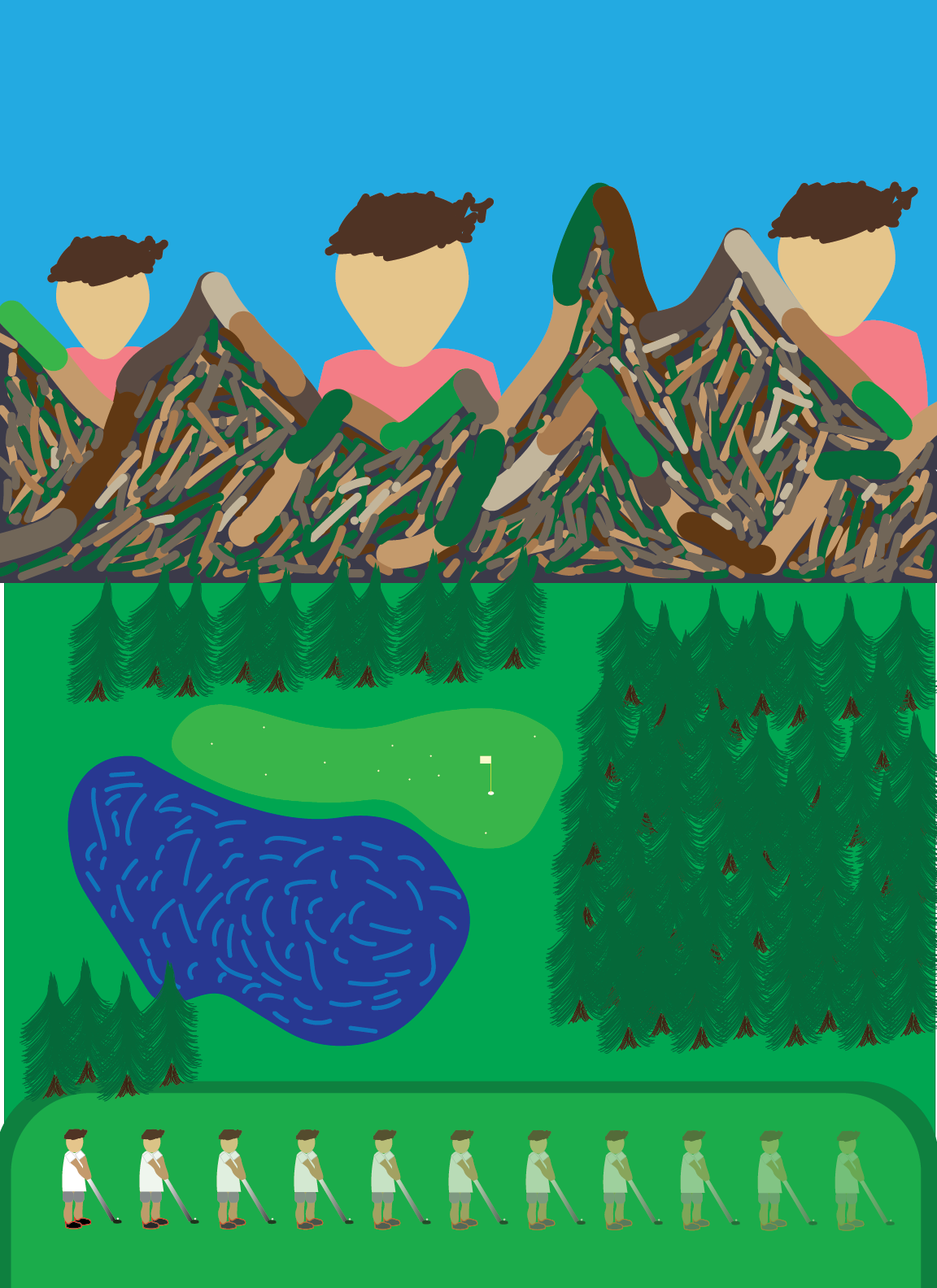
Next came my final draft. My main goal of this draft was to finalize what was just a floating head in the previous draft. I referred back to previous students’ work in order to get some ideas for how to create a face shape, but ended up going my own way so as to stylize it in a unique manner. Another goal of mine was to make it look as though my current selves were coming out from the mountains. At Professor Dietrick’s suggestion, I adjusted the coloring of the mountains to make them cooler, and adjusted the color of my body to be much warmer in order to achieve a semblance of depth.
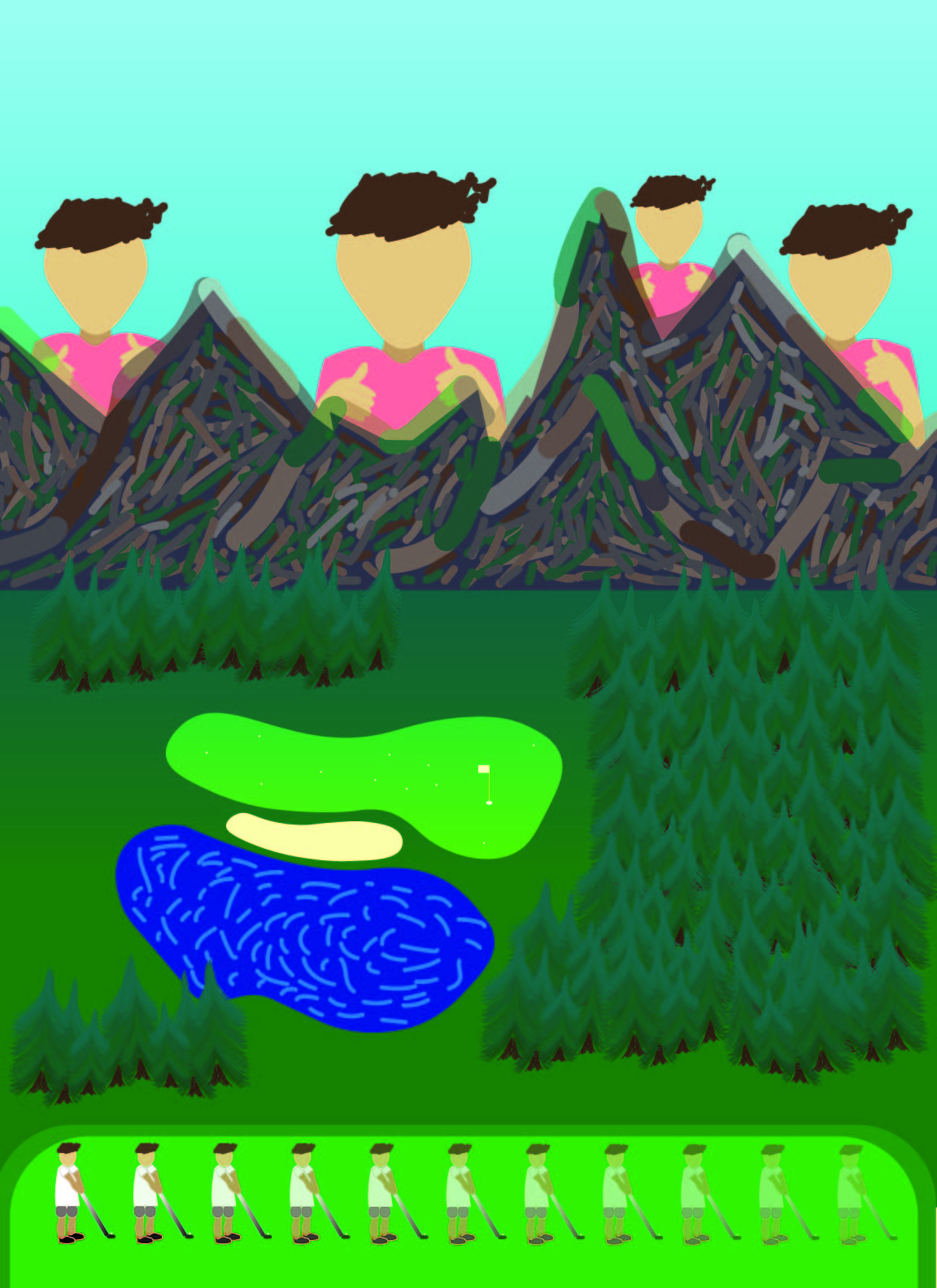
My biggest jump was between my final draft and my final piece, as I wanted to look closer at each aspect of the portrait in order to refine as much as I saw fit. Going back to my ideas from the previous image, I adjusted the coloring further, adding gradients in the grass, trees, green, and sky to make it seem even more three-dimensional. After this, I added a few more minor details such as the bunker I had forgotten about, more trees, and another version of my current self further back into the mountain range. Aside from the coloring, one of the biggest changes I made was adding hands giving a thumbs-up to my current self. In doing so, I wanted to visualize me in the now communicating to me in the past that I was proud, and that he should just enjoy his time on the course.
“Golf.” 2021. Spanish Peaks Mountain Club. November 11, 2021. https://spanishpeaks.com/golf/.
This is the golf course’s website. I used it for references to the landscape of the mountains.
Harmer, Tony. 2020. “Illustrator 2021 Essential Training.” LinkedIn. October 23, 2020. https://www.linkedin.com/learning/illustrator-2021-essential-training/welcome-to-adobe-illustrator-2021-essential-training?u=57694177
I used this page to watch tutorials about how to use Illustrator.
Winnie, Doug. 2016. “Image Compression and File Formats.” LinkedIn. July 14, 2016. https://www.linkedin.com/learning/computer-science-principles-digital-information/image-compression-and-file-formats?u=57694177.
At the end of the project, this retaught me what to look for while exporting the Illustrator files to PNG format.
“Gradients.” n.d. Create Gradients in Illustrator. Accessed September 26, 2022. https://helpx.adobe.com/illustrator/using/gradients.html.
This site, from the Adobe Help page, taught me just about everything I needed to know about mastering gradients.
Rise, Mark. 2016. “Speed Drawing in Adobe Illustrator.” YouTube. YouTube. November 30, 2016. https://www.youtube.com/watch?v=t1LpFn1OHa0.
This tutorial video gave me the idea of what shape to use for my head. I wanted it to be a bit more realistically shaped, but not overly detailed.

Leave a Reply